About Geometry Dash Wave Challenge
Geometry Dash Wave Challenge is a fast-paced rhythm game where I steer a zigzagging wave through tight corridors, spikes, and deadly traps at speed.
Some features make the experience more enjoyable:
- Shop: I can spend earned diamonds and coins on different arrow designs, trails, and color options.
- Practice Mode: Checkpoints let me repeat the exact section where I usually crash.
- Rhythm-based music: Many obstacles line up with the beat, making the soundtrack useful for anticipating movement.
- Neon visuals: Bright effects, moving hazards, and fast transitions keep each run visually active.
- Instant restarts: After a crash, I can jump straight back into another attempt without a long wait.
How to play Wave Challenge
Wave controls:
- Hold the mouse button or mobile screen to move the wave upward.
- Release to make it travel downward.
- Alternate between holding and releasing to create a controlled zigzag path.
- Press Z to place a checkpoint.
- Press X to remove the most recent checkpoint.
My main goal is to reach the finish without touching anything. One collision ends the attempt, so I try to make small, deliberate movements instead of constantly changing direction.
The rhythm-focused controls reminded me of the quick reactions I enjoy in Geometry Vibes, although this game puts much more attention on maintaining a precise zigzag trajectory.
Difficulty of Wave Challenge
Geometry Dash Wave Challenge feels harder than many other Geometry Dash mechanics because the character never has a stable surface to land on. I am constantly controlling its vertical position while it moves forward.
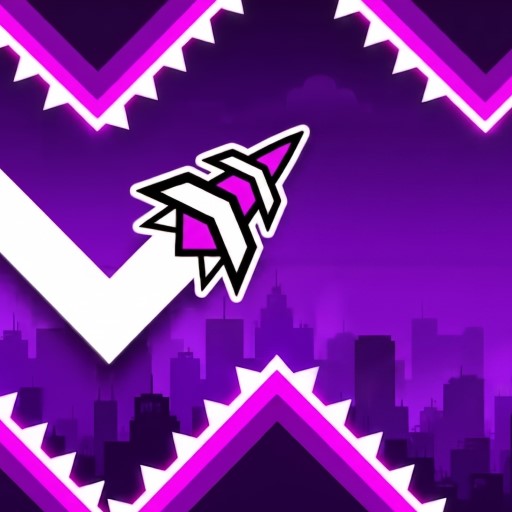
Constantly controlling its vertical position
Holding makes the wave rise, while releasing sends it down. That means every section requires continuous adjustment. There is no real opportunity to stop and reset my position.
Narrow corridors make things even tougher. Spikes, saws, and walls can leave only a tiny amount of room for error. Speed portals add another layer by suddenly changing how quickly the wave moves, forcing me to adjust my timing almost immediately.
All available maps
In Geometry Dash Wave Challenge, the four maps gradually introduce tighter spaces and more demanding mechanics:
- Map 1: The beginner stage uses wide zigzag corridors and widely spaced spikes.
- Map 2: A size-changing portal strikes the wave, allowing it to fit through tighter openings.
- Map 3: This short stage takes only around seven to eight seconds.
- Map 4: The toughest map combines narrow zigzags, funnel-shaped spike sections, and size-changing portals. It is also longer, taking roughly 20-25 seconds for a successful run.
FAQs
How do I control the wave in Geometry Dash Wave Challenge?
Hold to move upward and release to move downward. Switching between the two creates the zigzag movement needed to navigate each corridor.
What are the Z and X keys in Geometry Dash Wave Challenge for?
Z places a checkpoint during practice, while X removes the most recently placed checkpoint.
Are there similar games to try?
If I enjoy fast rhythm-based obstacle games, I can also try Geometry Dash-inspired wave games like Geometry Dash Spam Test, Geometry Dash HACKED, and Geometry Dash Scratch.